Event day chaosdies on onerun sheet.
Wrong address, no power, no headcount, client unreachable: TruckRunSheet puts every event on one run sheet your client confirms through a link before you roll.
Start free. Upgrade when the season picks up.
Run your first event free with every feature. When you book more, move up to unlimited events and run sheets, then bring your team for the busy season.
- 1 active event at a time
- Every feature, nothing held back
- No-login client confirm link
- Full run sheet, prep checklist, day-of notes
- The whole tool, before you pay a cent
No card to start · run your first event today
- Unlimited events and run sheets
- Built for one operator
- Every client confirm link you need
- Prep checklists, missing details, files
- Day-of notes on every event
For the steady single-truck operator
- Full calendar for a busy season
- Bring your team into the run sheets
- Unlimited events and confirm links
- Everything in Solo
- Built for when the bookings stack up
For peak season and crews
The details are everywhere.
The run sheet is nowhere.
Every booking starts the same way: a thread of texts, a couple of emails, a voice note. Headcount here, menu there, power and deposit somewhere else. Then you load the truck half-guessing, and it bites you on event day.
Twelve texts, three emails
The event lives in scattered messages. Headcount, menu, address, setup time, all in different threads you have to dig through every time.
You prep half-guessing
Without one source of truth, you start prep before the details are confirmed. The deposit, the power, the count, all assumptions until they are not.
It bites you day-of
Wrong headcount, no power drop, a menu change you never saw. The misses always land on event day, in front of the client, with no time to fix it.
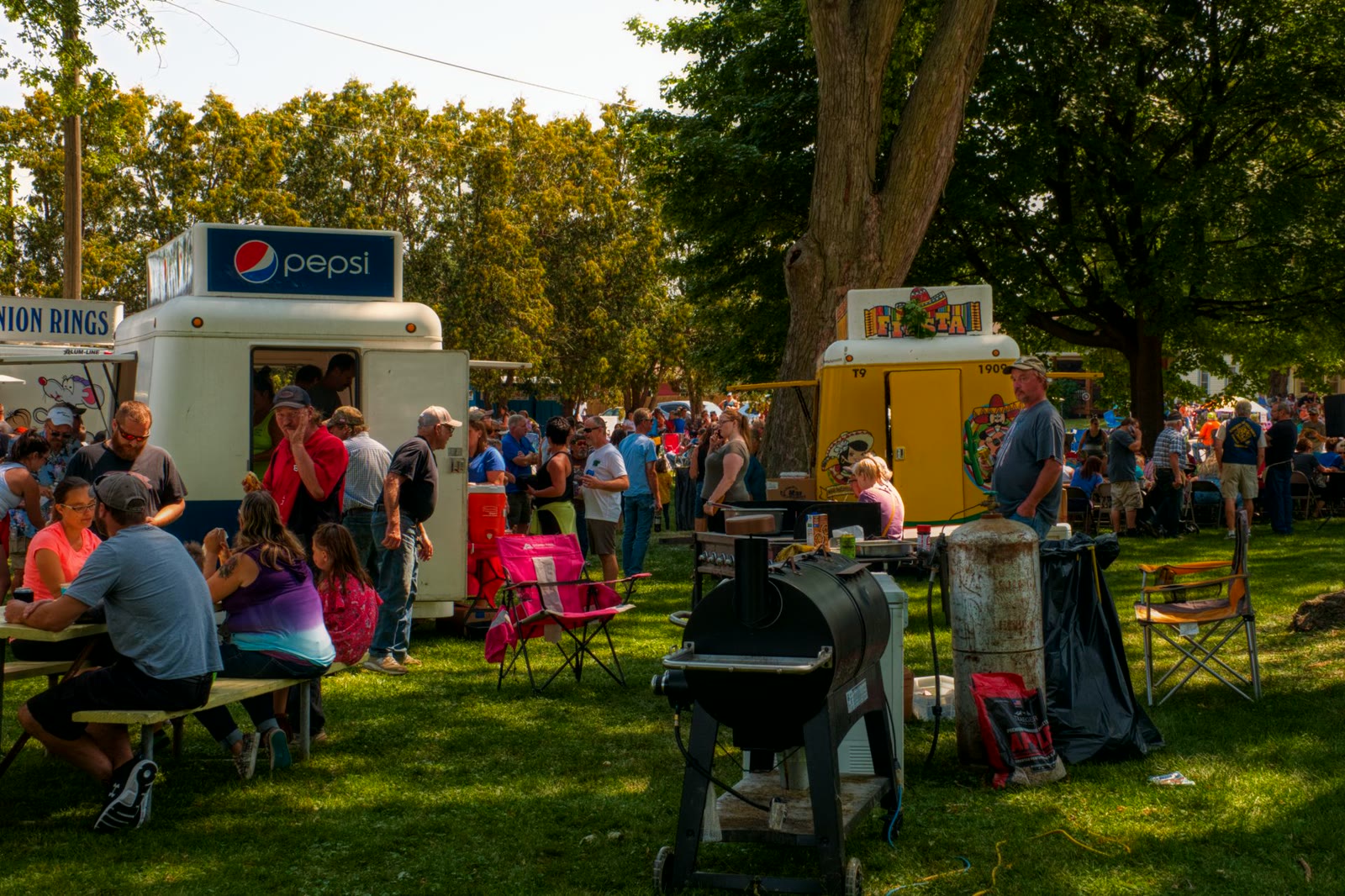
One run sheet per event.
Confirmed, not guessed.
Not another inbox. The prep checklist, the missing details, the client's own answers, the files, and your day-of notes, all on one sheet you build before you load the truck.
Three steps. Event to run sheet.
You create the event, your client confirms the details, and you get one clean sheet to prep from. No back and forth.
Create the event
Client, date, address, headcount, menu, deposit, and your prep checklist. The shell of the booking, in one place, in a minute.
Send the no-login link
Your client opens a simple link and confirms headcount, menu, location, setup time, power and water needs, and notes. No account, no app.
Get the run sheet
One clean run sheet per event: prep checklist, the missing details flagged, the client's responses, files, and day-of notes. Prep from that.
Built for the truck, not a desk.
Fast to set up, simple for the client, and clean enough to read while you load in.


Built by RMDW.
Not a no-code template.
Richard Echols spent years as a senior AI engineer at one of the biggest tech companies on earth and now runs RMDW, building real AI systems for real businesses. TruckRunSheet is one of them: a dead-simple tool made for how mobile food operators actually work.

The short answers.
No. You send a no-login link. Your client opens it and confirms headcount, menu, location, setup time, power and water needs, and notes. No app, no signup.
One clean sheet per event. It pulls together your prep checklist, the details still missing, your client's confirmed responses, the files, and your day-of notes, so you prep from one place instead of a dozen threads.
Every feature, on one active event at a time. You can run a real event start to finish for free before you ever pay.
Food trucks, pop-up vendors, small caterers, and mobile food operators. Anyone who books events and is tired of chasing the details across texts and emails.
Move to Solo at $49 a month for unlimited events and run sheets as one operator. Step up to Pro at $97 a month for the busy season, with a full calendar and your team.
Stop chasing the details.
Start with the run sheet.
Create the event, send the link, and prep from one clean sheet. Free to start with every feature on your first event.
Start free →